PHP sites and container apps
WPL7 hosts more than WordPress. Next to WordPress sites you can create PHP sites and container apps from the same New site wizard, on the same servers, with the same backups and uptime checks.
Your own PHP, without WordPress
Run your own PHP or HTML files in the same container a WordPress site gets.
Set up in the wizard
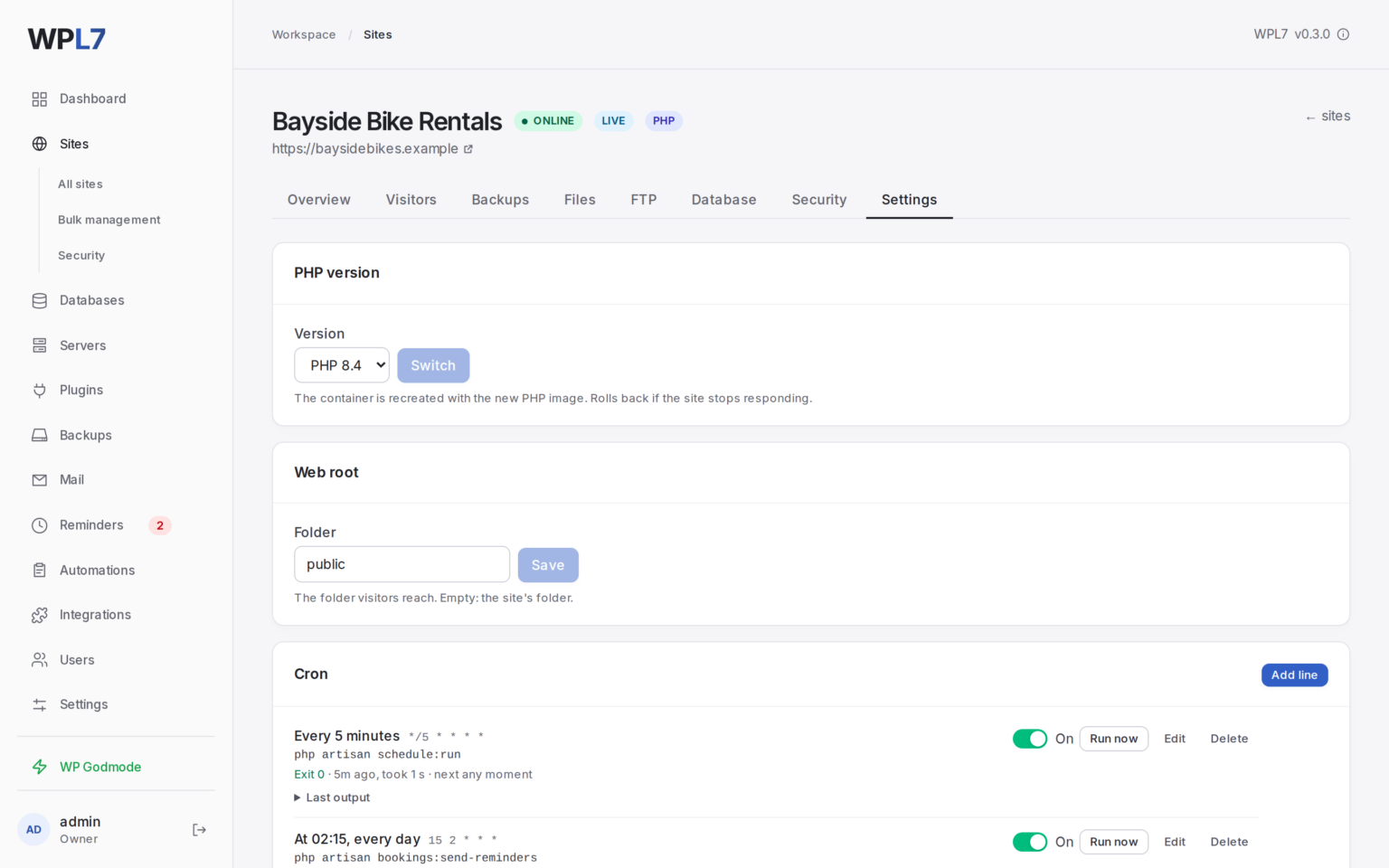
Pick the PHP version, an optional MariaDB database and a web root such as public. Add cron jobs on the site’s Settings tab.
Everything a site gets
- Files tab, FTP and SFTP
- Backups and malware scans
- Protection, mail and an uptime check
Works the way PHP does
.htaccess and .user.ini files work. Redis is one switch away if your code wants it.
Run your own container
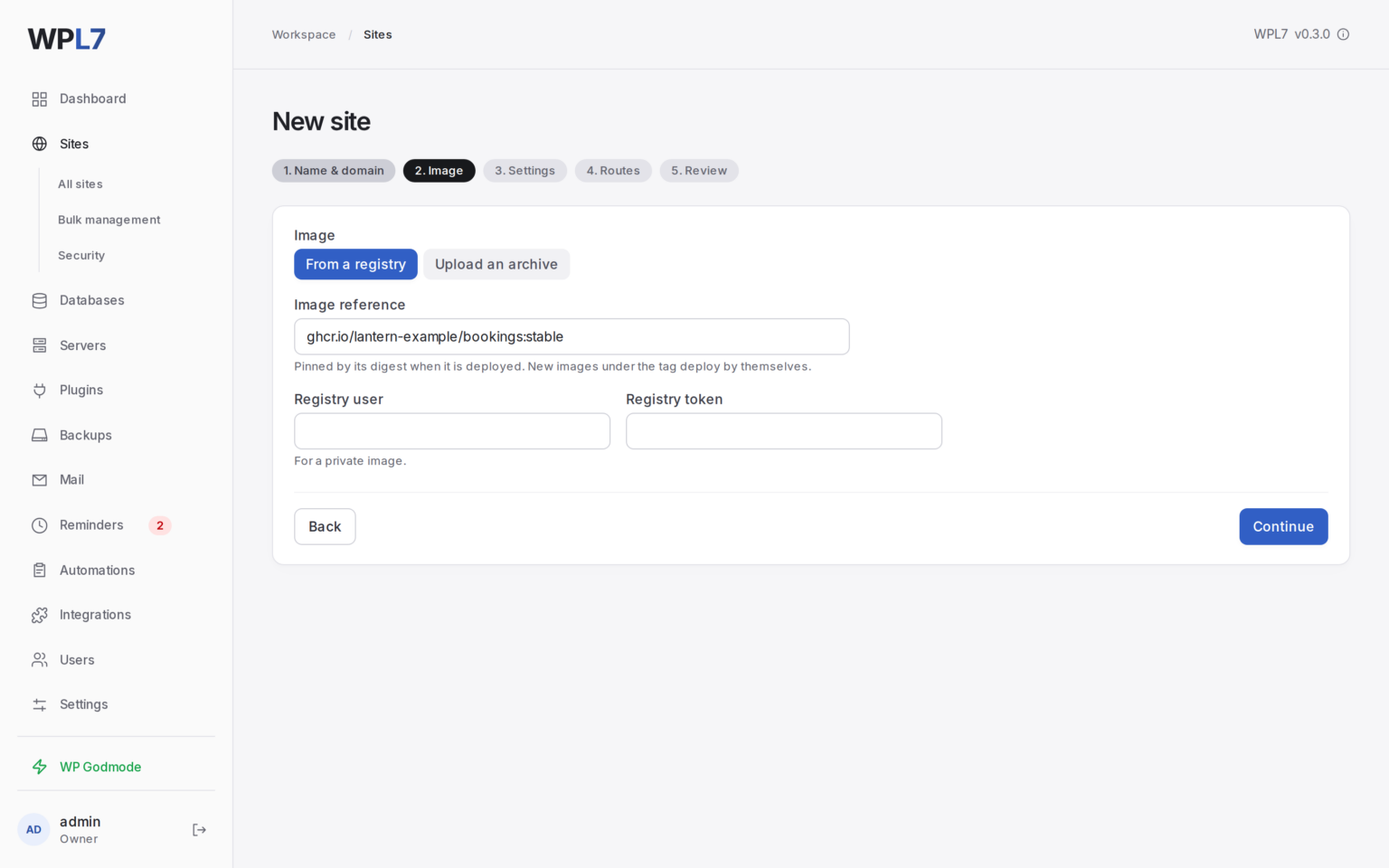
Run one container from your own image: from a registry, private ones too, or an uploaded docker save archive.
Hosts and paths
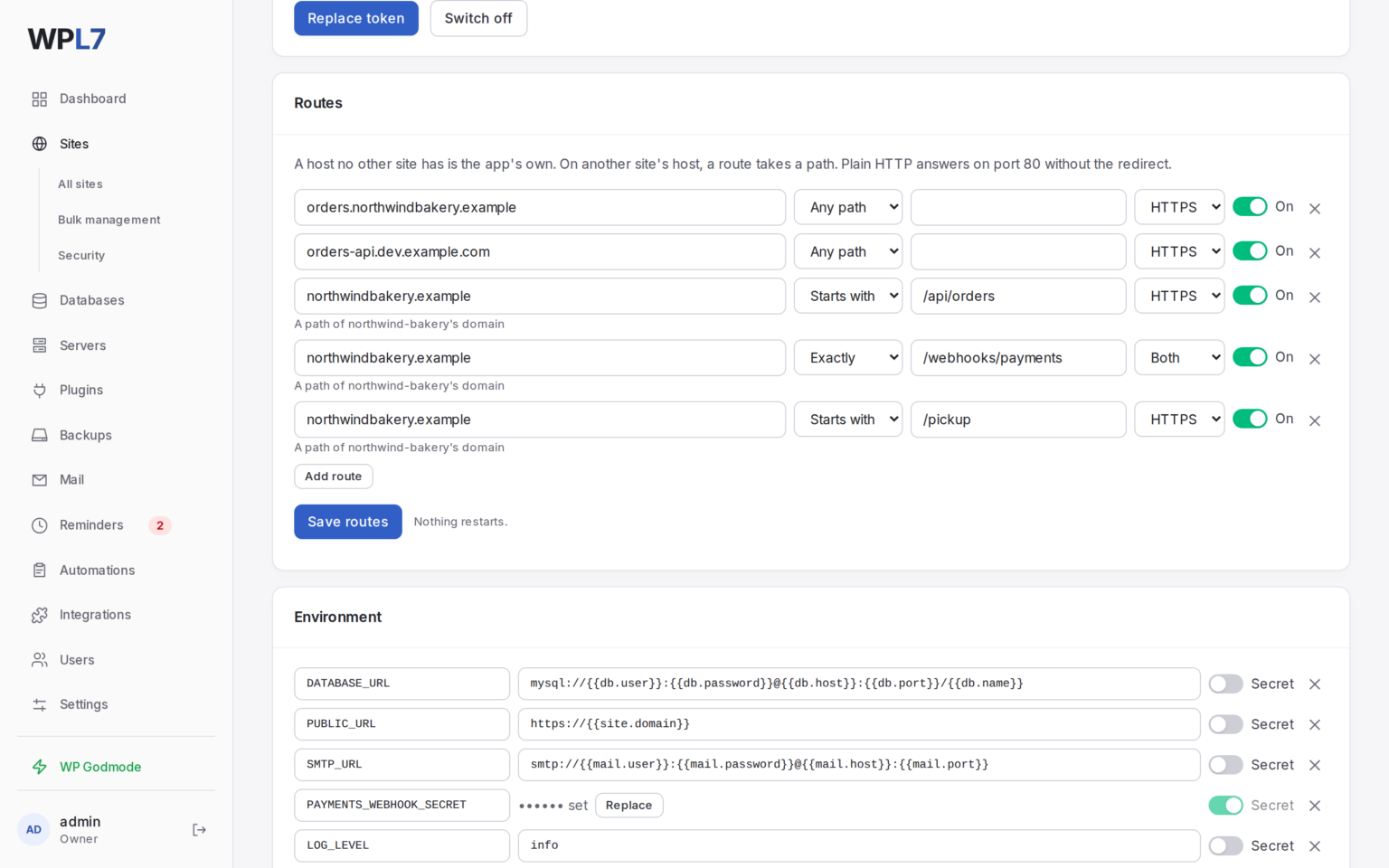
Give it its own host, or a path on a WordPress site’s domain, such as /api on the shop’s domain. Plain HTTP where a webhook needs it.
What it asks for
- Environment variables and secrets
- Mounts for files you give it
- A database and mail when it asks
Safe deploys
New images deploy behind a health check. Roll back when you need to, and read the logs.
Host your first app
Install WPL7 on your server, then open Sites → New site and choose PHP or Container.
Running a container? Read the container app docs.